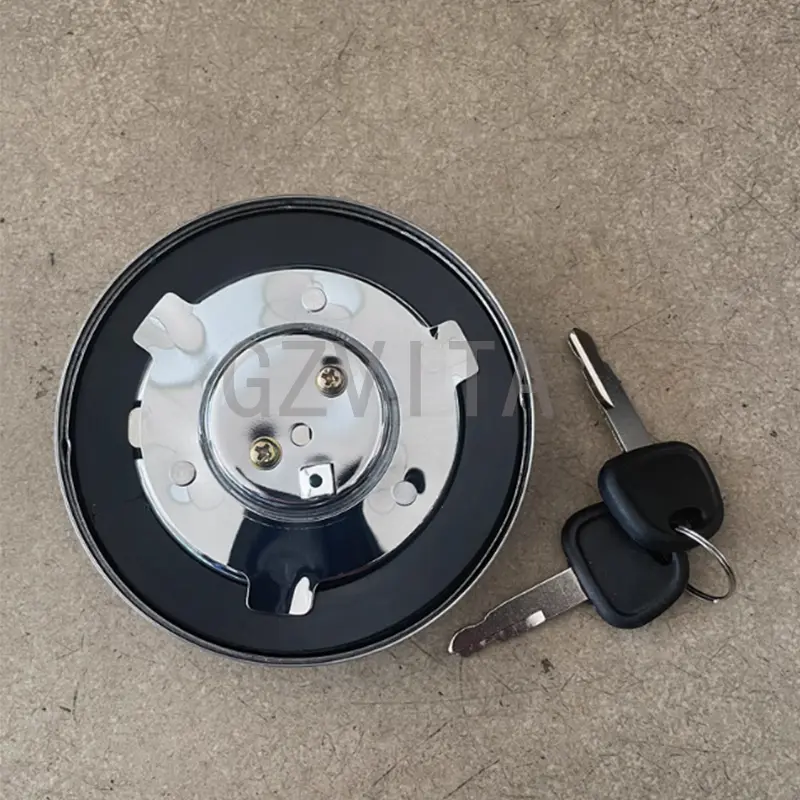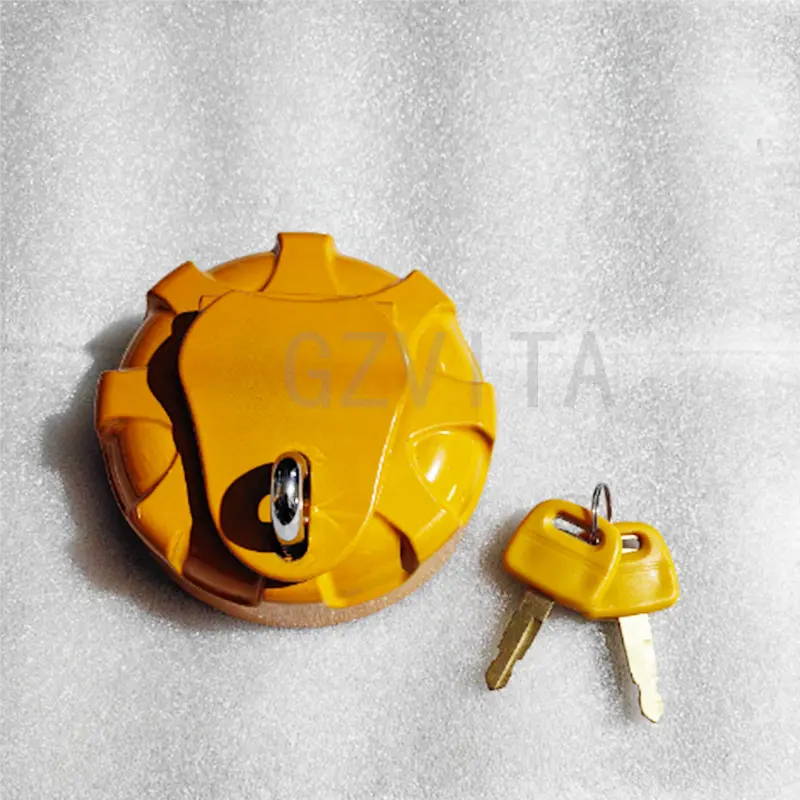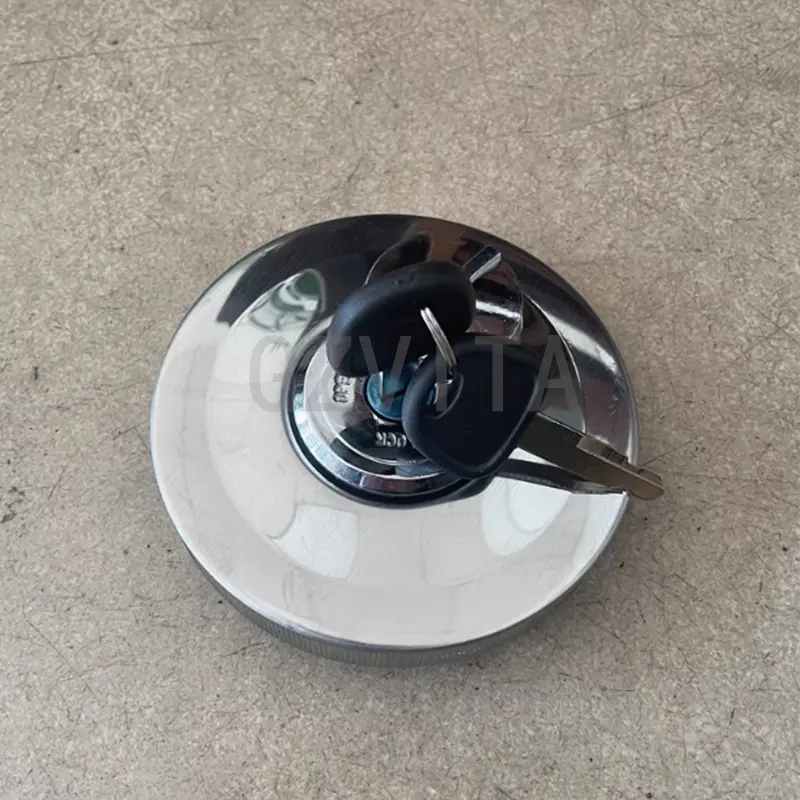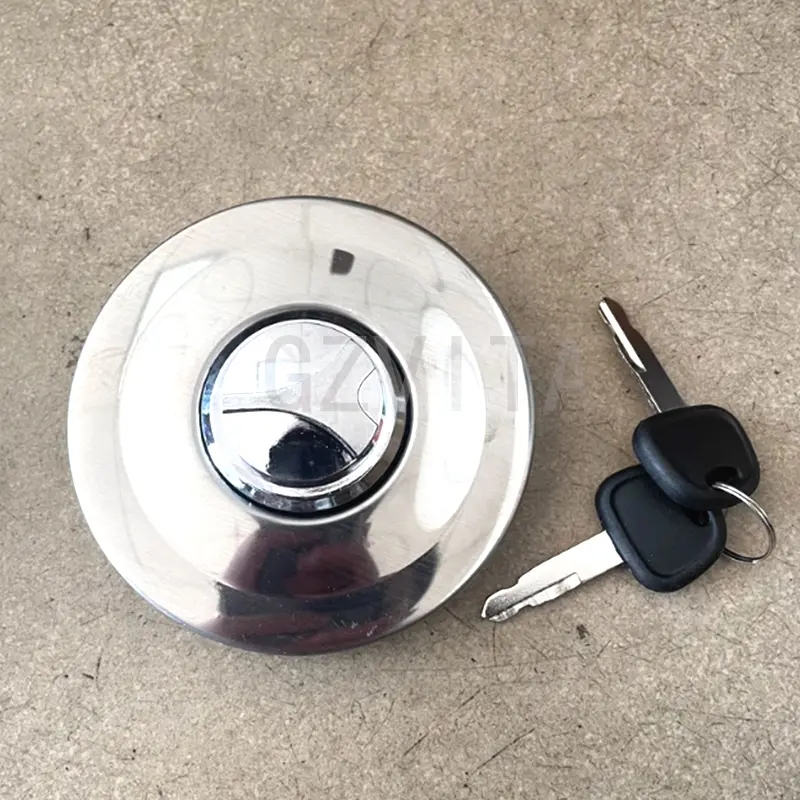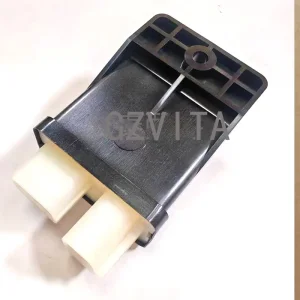
High-Quality Sany Excavator Fuel Tank Cover Cap For Sany 55 65 75 85 95 135 155 215 365 485 Manufacturers, Companies

1.Product name:Fuel Cap

2.Part number:

3.Compatible for: Sany 55 65 75 85 95 135 155 215 365 485

4.Leading time:In stock

5.Packing way:Neutral packing

Product Description

Installing the diesel oil tank cover on a Sany 55 excavator is a straightforward process, but it requires attention to detail to ensure a proper fit and seal. Here’s a step-by-step guide to help you with the installation:

Tools and Materials Needed
New diesel oil tank cover (if replacing)
Wrenches or sockets (if applicable)
Clean rags
Safety gloves and goggles
Installation Steps
1

Safety First

Ensure the excavator is on a stable surface and turned off.

Engage the parking brake and remove the key from the ignition.

Wear safety gloves and goggles to protect yourself.

2

Access the Diesel Oil Tank

Locate the diesel oil tank cover on the Sany 55 excavator. Depending on the model, you may need to remove any surrounding panels or covers to access it.

3

Remove the Old Cover (if applicable)

If you are replacing an old or damaged cover, carefully unscrew or unclip it from the tank. Keep any screws or fasteners, as you will need them for the new cover.

4

Inspect the Seal

Check the sealing surface on the diesel oil tank for any debris, dirt, or damage. Clean the area thoroughly with a rag to ensure a proper seal with the new cover.

5

Install the New Diesel Oil Tank Cover

Position the new diesel oil tank cover over the opening of the tank. Ensure that it aligns properly with any mounting points or grooves.

If the cover has a gasket, ensure it is in place and properly seated.

6

Secure the Cover

If the cover uses screws or bolts, tighten them securely using the appropriate tools. Be careful not to overtighten, as this could damage the cover or the tank.

7

Check for Proper Fit

Ensure that the cover is seated correctly and that there are no gaps between the cover and the tank. A proper fit is essential to prevent leaks.

8

Final Inspection

Before starting the excavator, double-check that the cover is securely fastened and that there are no visible leaks or issues.

9

Test the System

Start the excavator and allow it to run for a few minutes. Monitor the area around the diesel oil tank cover for any signs of leaks.

Frequently Asked Questions
What tools do I need to install the Sany 55 diesel tank cover?
You will need a new diesel oil tank cover, appropriate wrenches or sockets (depending on the fasteners used), clean rags for cleaning the sealing surface, and safety gear including gloves and goggles.
Why must I inspect and clean the seal surface before installing the new cover?
Inspecting and cleaning the sealing surface ensures that there is no debris, dirt, or damage that could disrupt the contact between the tank and the cover gasket. A clean seal is vital to prevent diesel fuel leaks and contamination.
Can I overtighten the mounting screws or bolts on the cover?
Yes, you should avoid overtightening. Overtightening can warp the cover, damage the threads, or crush the sealing gasket, which could actually cause the assembly to leak. Tighten them securely but moderately.
What safety measures should I take prior to installation?
Always ensure the Sany 55 excavator is parked on a flat, stable surface with the engine turned off. Engage the parking brake, remove the ignition key, and wear protective gloves and goggles before starting any work.
How do I verify that the diesel oil tank cover is installed correctly?
Conduct a visual check to confirm there are no gaps between the tank opening and the cover. Then, start the excavator, let it run for several minutes, and inspect the surrounding area of the cover for any signs of wetness or leaks.

Related Products