 Vita Construction

1 / 3
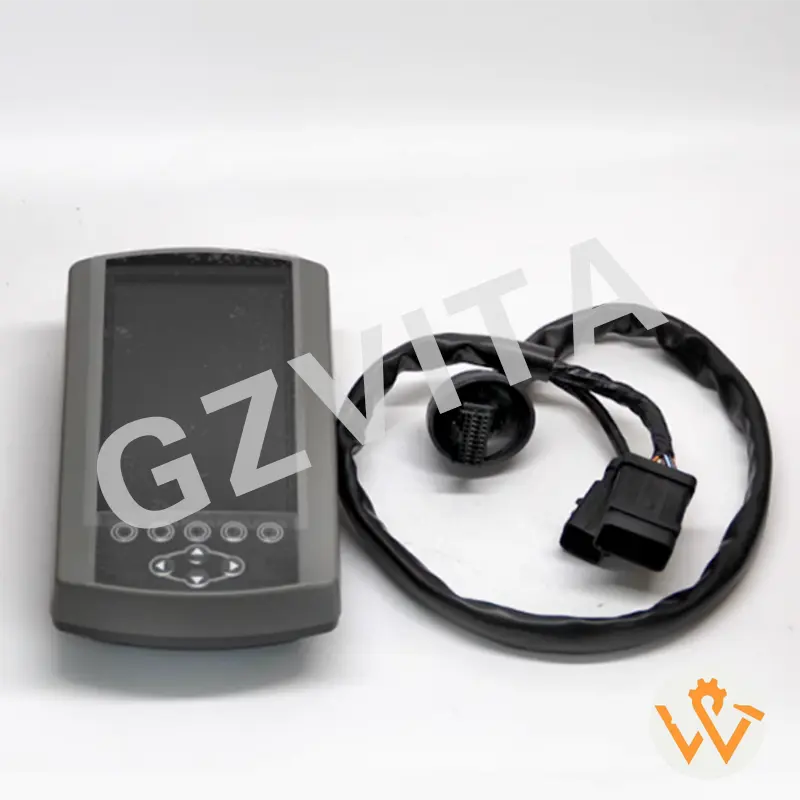
Before operating the excavator, take some time to understand the layout and functions of the Operator Monitor. This may include various gauges, warning lights, and menu options.
Turn on the excavator's ignition. The Operator Monitor will power up and display the initial screen, which typically shows the machine's status and any active warnings.
Review the dashboard for critical information such as:
Ensure all readings are within normal operating ranges.
Use the buttons or touchscreen (depending on the model) to navigate through the menu options. Common features may include:
Keep an eye on performance metrics while operating the excavator. The Operator Monitor may provide information on:
Use this data to optimize your operation and improve efficiency.
Pay attention to any warning lights or alerts on the monitor. If a warning appears, refer to the operator's manual to understand the issue and take appropriate action.
If the excavator experiences issues, use the diagnostic feature to retrieve error codes. This can help identify problems with the engine, hydraulics, or other systems.
Many Operator Monitors have a feature to log operating hours. This is useful for maintenance scheduling and tracking usage for service intervals.
If necessary, adjust settings such as display brightness, language, or units of measurement (metric vs. imperial) through the settings menu.
After completing your work, ensure to shut down the excavator properly. The Operator Monitor will display a shutdown sequence, and it's important to follow this to avoid any potential issues.
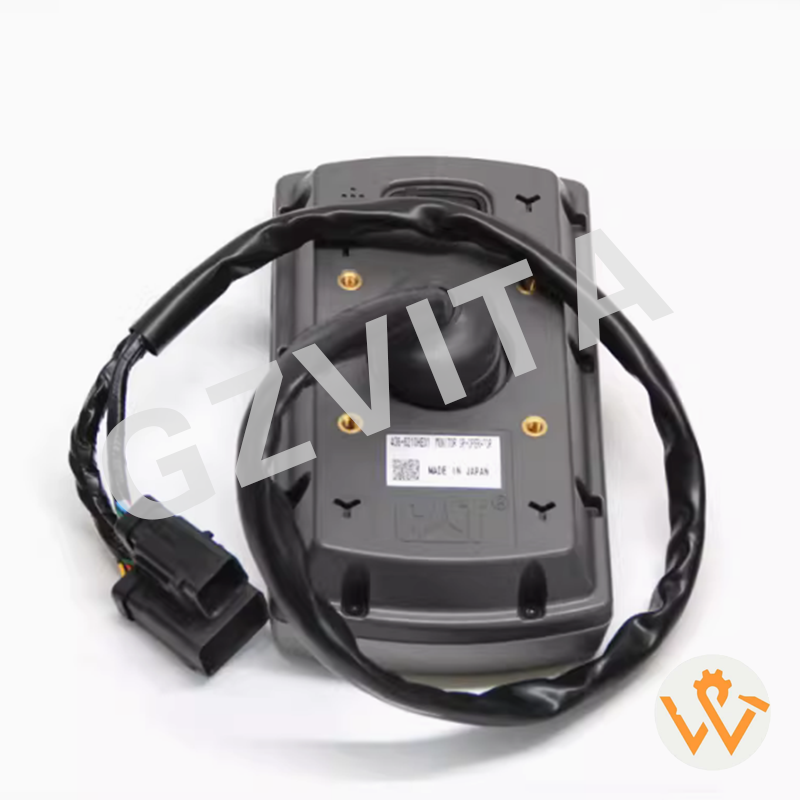
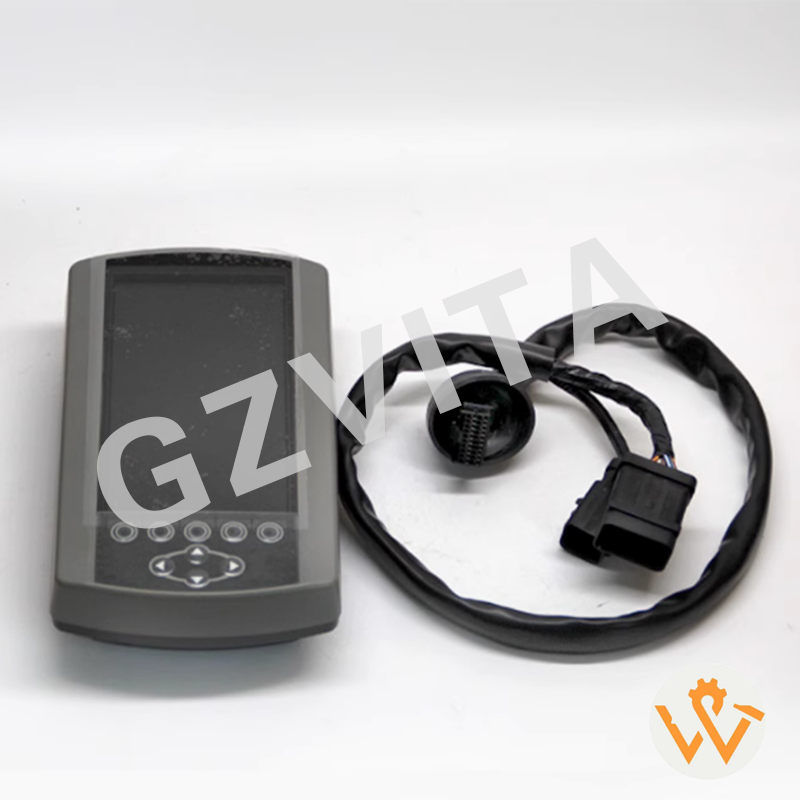

The Operator Monitor tracks critical machine performance metrics, runs diagnostics, and tracks key operational parameters to ensure safety and efficiency.
You should check the engine temperature, oil pressure, fuel level, battery voltage, and hydraulic fluid temperature to confirm they are in normal ranges.
The diagnostic feature displays specific error codes that quickly pinpoint electrical, engine, or hydraulic issues, facilitating troubleshooting.
Yes, you can navigate to the settings menu to adjust screen brightness, select language preferences, or toggle between metric and imperial units.
If an alert displays, identify the warning icon and refer immediately to the operator's manual to understand the problem and implement corrective actions.
Following the proper shutdown sequence prevents system data corruption and protects the monitor's sensitive electronic components from potential startup failures.