 Vita Construction
1 / 2
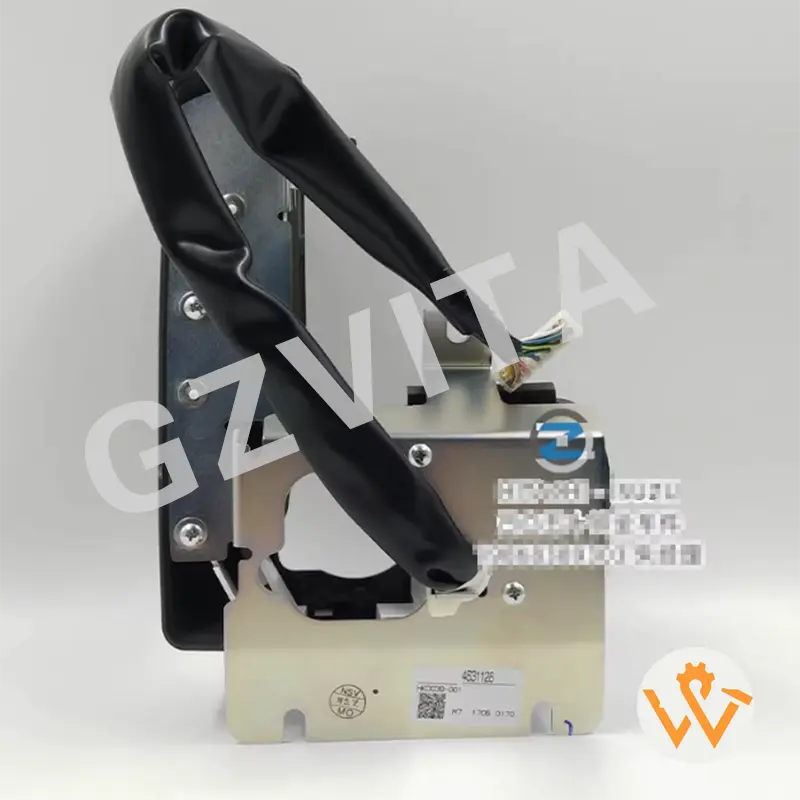
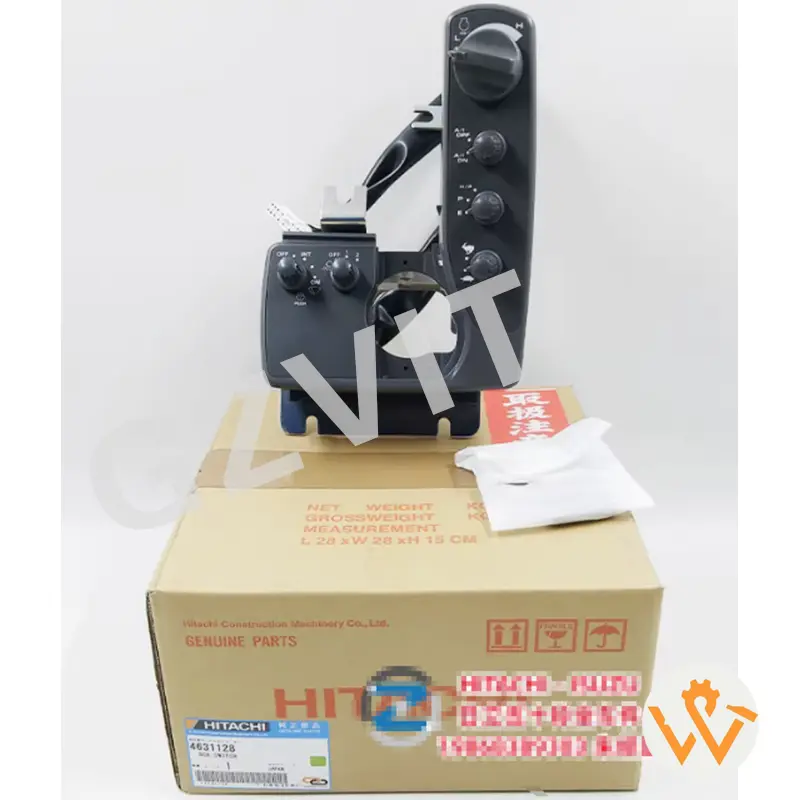
The control switch panel in an excavator is essential for operating various functions and systems of the machine. While the layout and specific controls may vary between different models and manufacturers, the following general steps will guide you on how to use the excavator control switch panel effectively:
Before operating the excavator, take time to familiarize yourself with the control switch panel. Identify the various switches, levers, and buttons, and understand their functions. Common controls include: Engine Start/Stop Switch, Hydraulic Control Levers, Travel Controls, and Auxiliary Controls for operating additional attachments.
Use the ignition switch to start the engine, ensuring that all controls are in neutral before starting. Always check the control panel for any warning lights or indicators that may signal issues with the machine prior to operation.
Control basic movements via the levers. Push the boom lever forward to raise it and pull it back to lower it. Use the arm lever to extend (forward) or retract (backward) the arm, and control the bucket lever to open or close the bucket.
Use the travel levers or pedals to move the machine forward or backward, and to steer. Many models feature adjustable speed control settings on the panel to change travel speeds.
If your excavator is equipped with auxiliary hydraulic controls for attachments, familiarize yourself with the specific switches or levers that operate these functions. Make sure attachments are safely connected before activating.
Continuously monitor the control panel for any warning lights or error indicators during operation. Address any alerts immediately to prevent component damage or safety risks.
When operations are complete, return all controls to the neutral position. Use the engine stop switch or ignition switch to turn off the engine, ensuring the machine is safely parked.
Always refer to the specific operator's manual for your excavator model for detailed instructions, diagrams, and safety information related to the control switch panel.
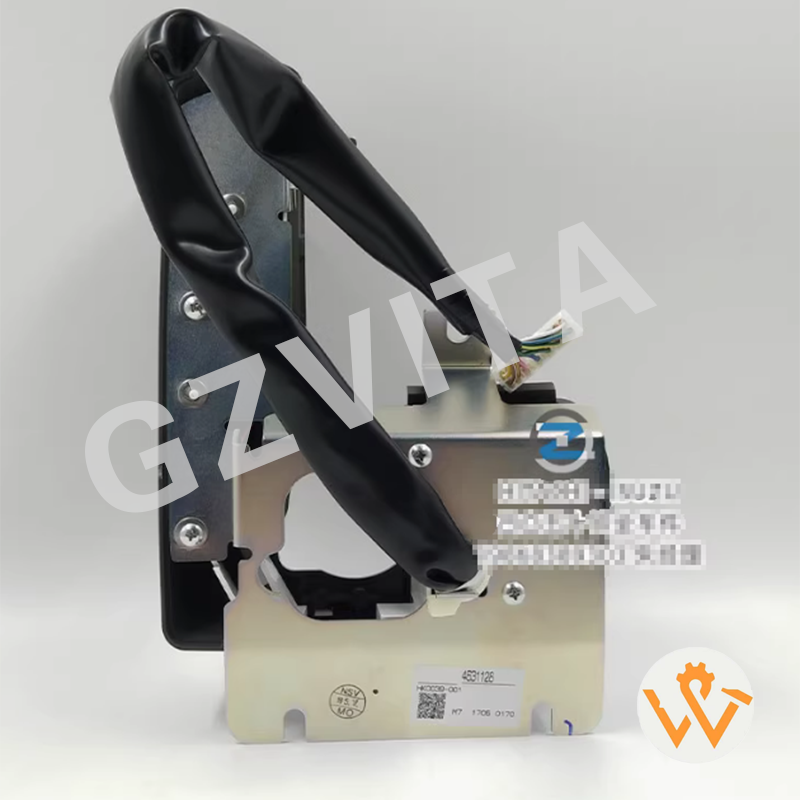
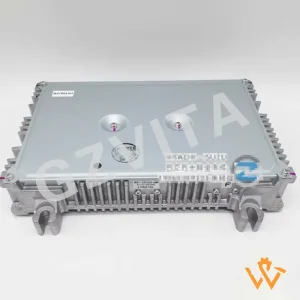
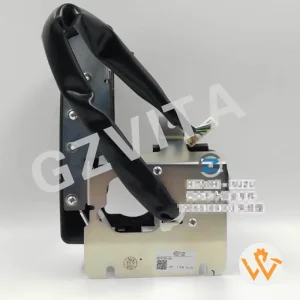
Hitachi Control Switch Panel 4631128 For Excavator ZX200-3 ZX240-3 ZX330-3
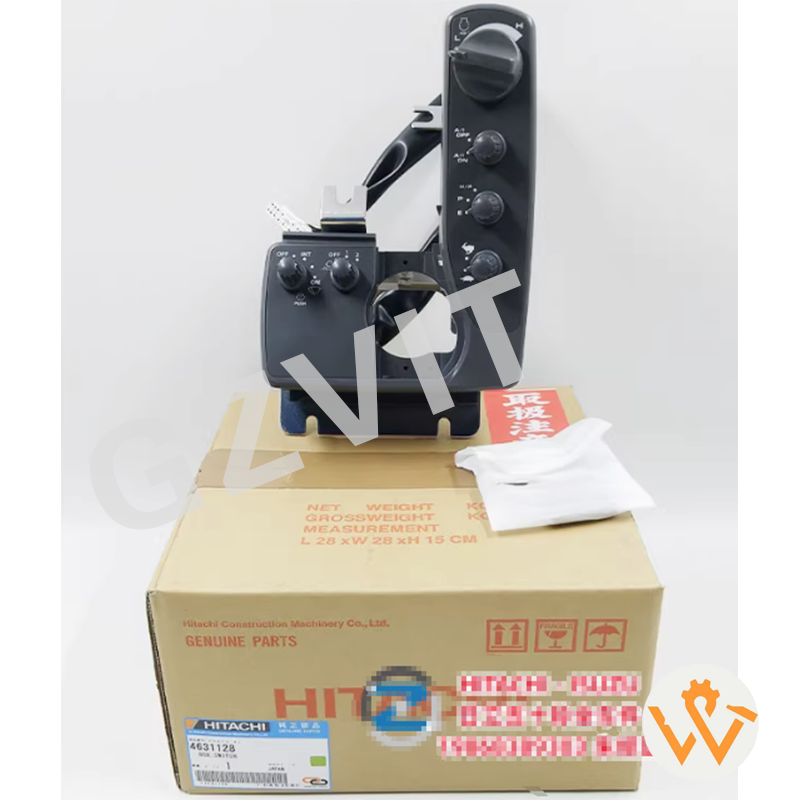
Hitachi Control Switch Panel 4631128 For Excavator ZX200-3 ZX240-3 ZX330-3 (01)
The control switch panel is essential for operating, managing, and monitoring the vital systems of the excavator, such as starting the engine, handling hydraulic controls, driving the machine, and running auxiliary attachments.
Before starting, make sure all controls and levers are in the neutral position. Perform pre-operation checks and check the control panel for any warning indicators that might signal machine issues.
Movements are managed using dedicated hydraulic control levers on the panel. Pushing levers forward typically raises the boom, extends the arm, and closes the bucket, while pulling them back does the opposite.
If any warning lights or indicators turn on during operation, you should stop operating the machine safely and investigate the issue immediately to prevent damage or safety hazards.
Because switch panel layouts, functions, and symbols vary between different manufacturers and excavator models, referring to the specific operator's manual ensures safe and correct operation.