 Vita Construction
1 / 4
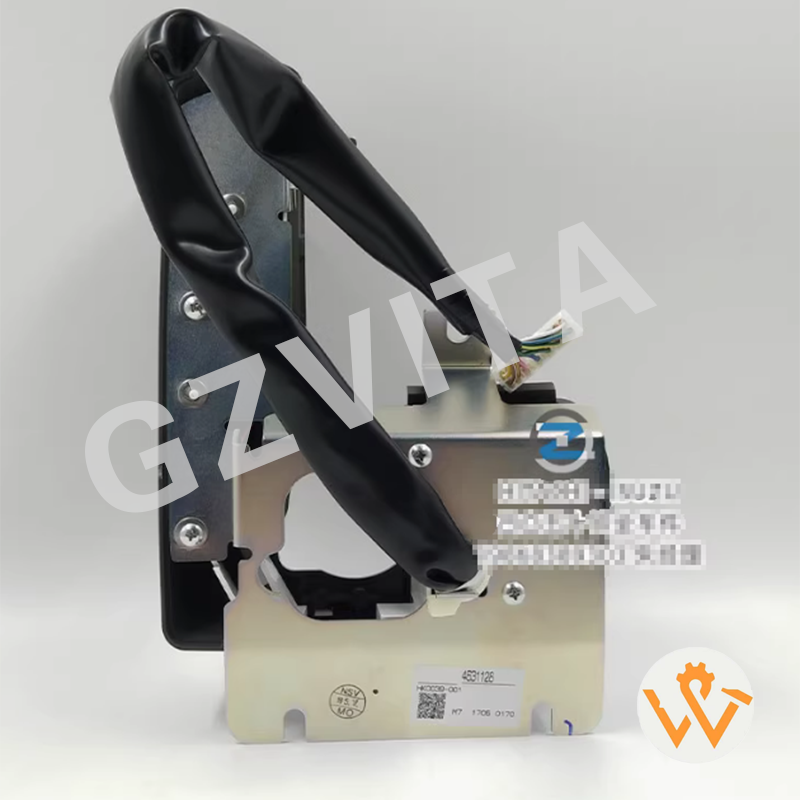
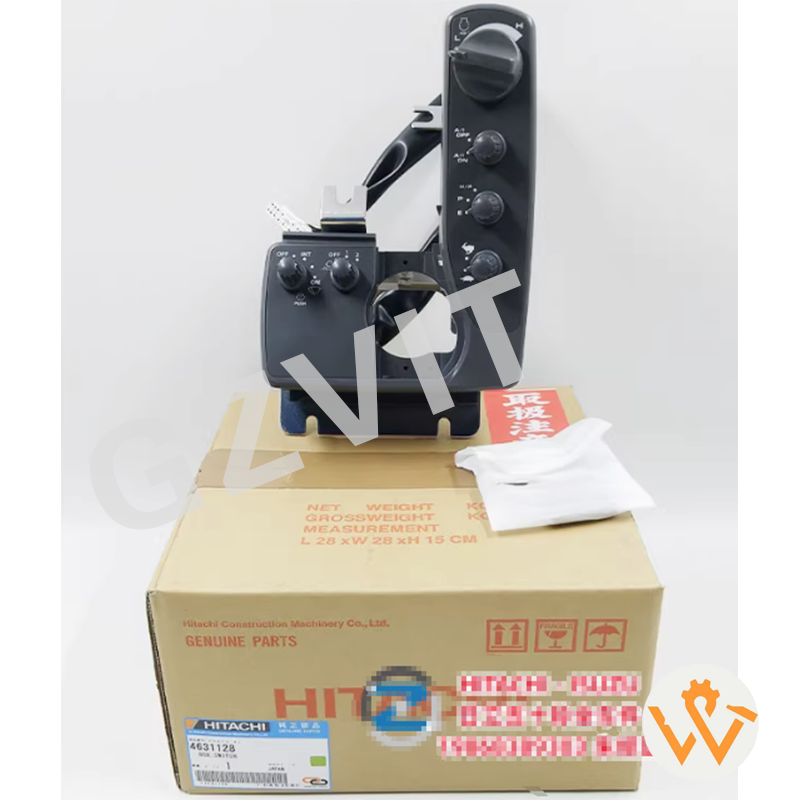
Before operating the excavator, take time to familiarize yourself with the control switch panel. Identify the various switches, levers, and buttons, and understand their functions. Common controls include:
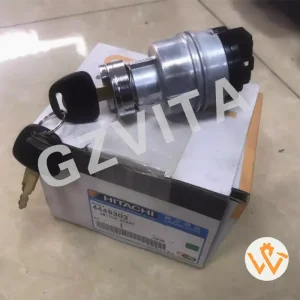
Ignition Switch: Use the ignition switch to start the engine, as previously described. Ensure that all controls are in neutral before starting.
Pre-Operation Checks: Before starting, check the control panel for any warning lights or indicators that may signal issues with the machine.
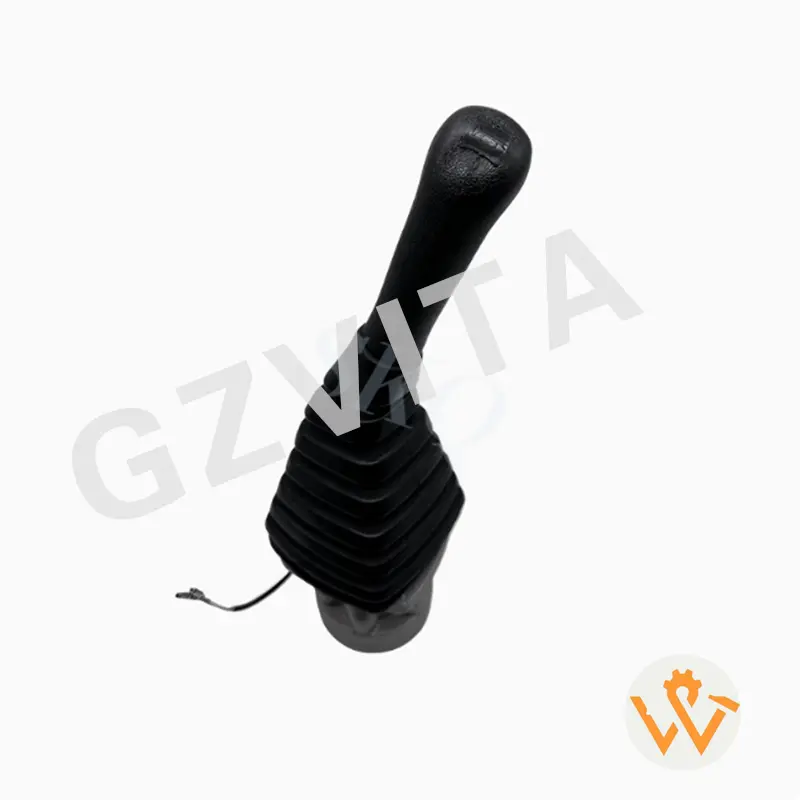
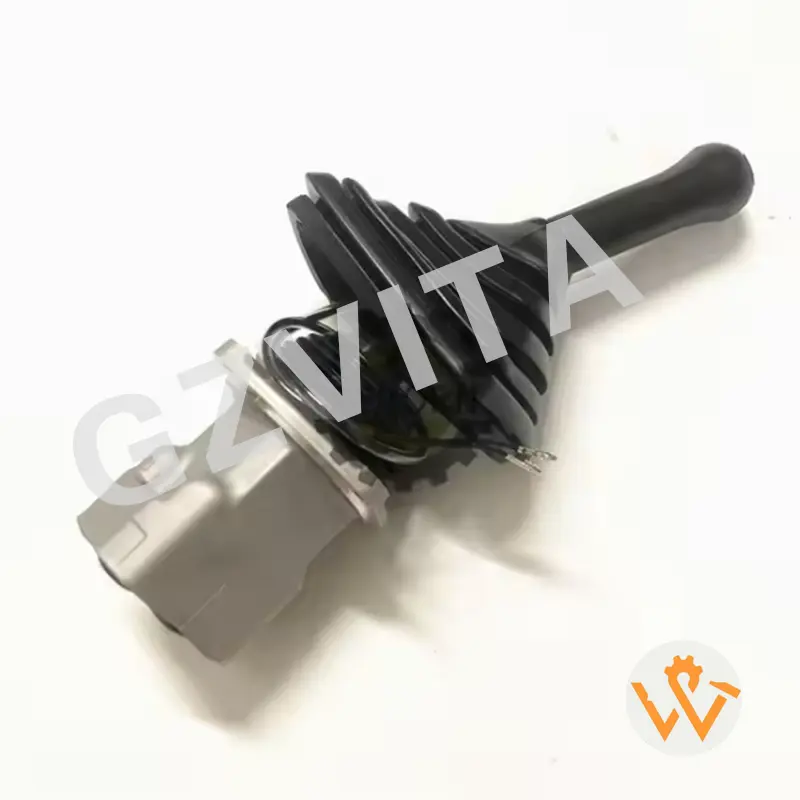
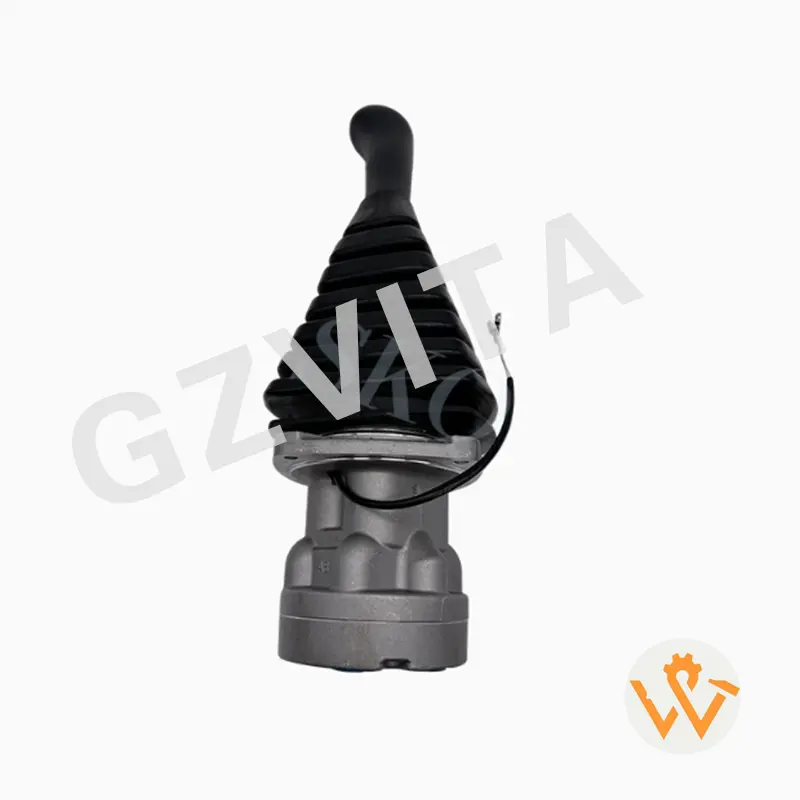
Boom Control: Use the appropriate lever to raise or lower the boom. Typically, pushing the lever forward raises the boom, while pulling it back lowers it.
Arm Control: Control the arm's movement using the designated lever. Pushing it forward usually extends the arm, while pulling it back retracts it.
Bucket Control: Use the bucket control lever to open and close the bucket. Pushing the lever forward typically closes the bucket, while pulling it back opens it.
Travel Controls: Use the travel levers or pedals to move the excavator. Typically, pushing the left lever forward will move the machine forward, while pulling it back will move it backward. The right lever may control the turning direction.
Speed Control: Some models may have speed control settings that allow you to adjust the travel speed.
If your excavator is equipped with auxiliary hydraulic controls for attachments, familiarize yourself with the specific switches or levers that operate these functions. Ensure that the attachment is properly connected before use.
Continuously monitor the control panel for any warning lights or indicators while operating the excavator. Address any alerts immediately to prevent damage or unsafe conditions.
When finished, return all controls to the neutral position. Use the engine stop switch or ignition switch to turn off the engine. Ensure that the machine is parked safely and securely.
Always refer to the specific operator's manual for your excavator model for detailed instructions, diagrams, and safety information related to the control switch panel.