 Vita Construction
1 / 2
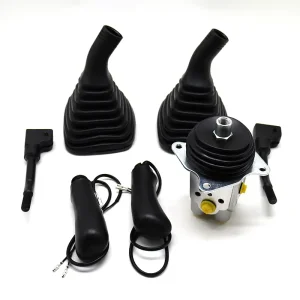
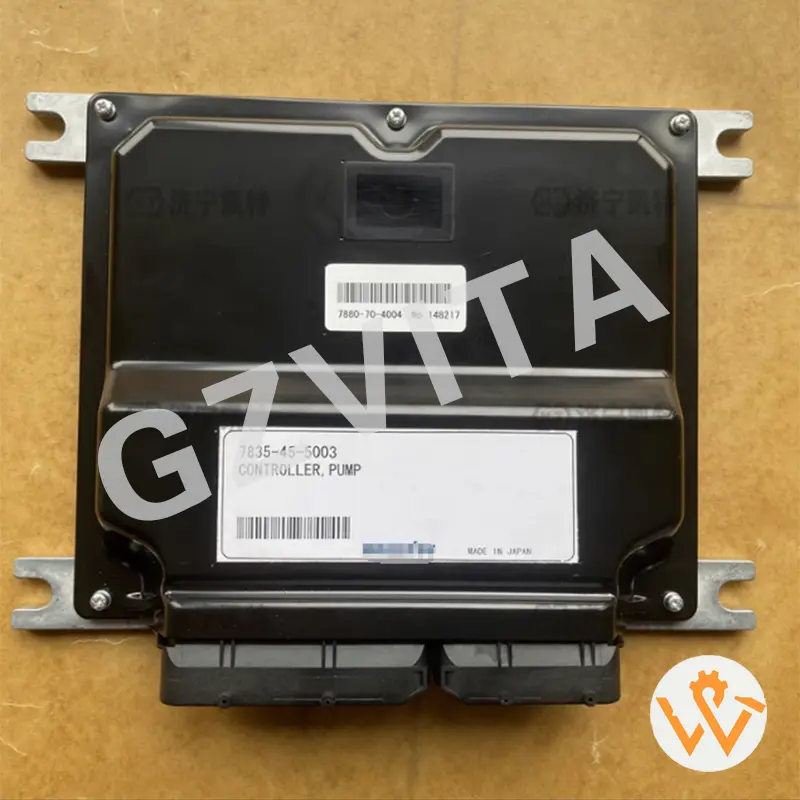
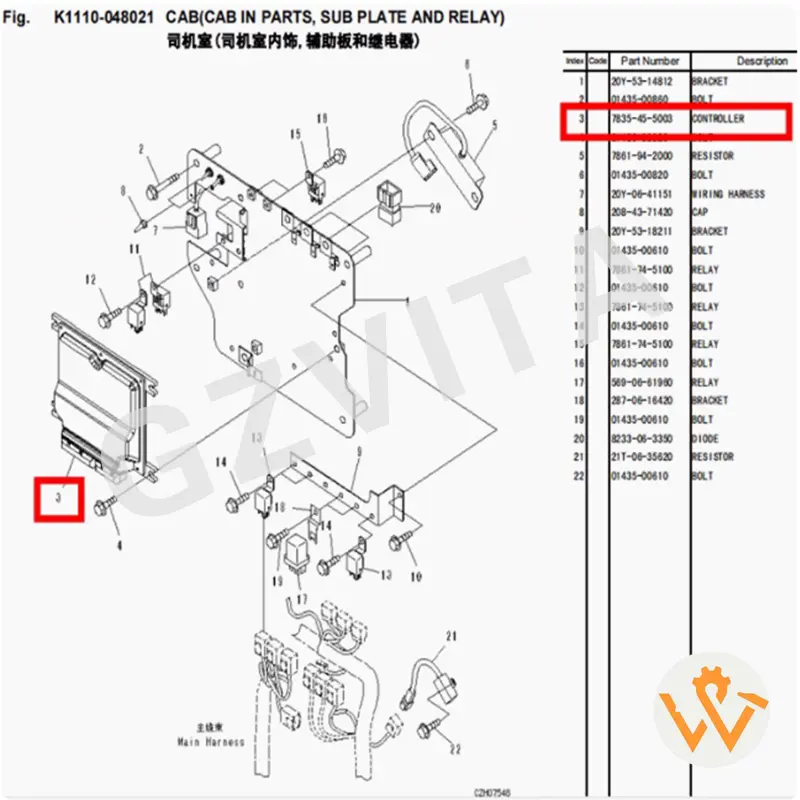
Using an excavator controller is essential for operating the machine efficiently and safely. The controller manages various functions, including engine performance, hydraulic systems, and operator inputs. Here’s a guide on how to use an excavator controller effectively:
Before operating the excavator, take time to understand the layout and functions of the controller. This may include buttons, joysticks, switches, and a display screen.
Depending on the model, the controller may have different operating modes (e.g., digging, lifting, travel). Select the appropriate mode for your task using the mode selector switch or button.
Adjust Settings: Some controllers allow you to adjust settings such as hydraulic flow rate, sensitivity of the joysticks, and other parameters. Make adjustments based on your preferences and the specific task requirements.
Depending on the excavator model, the controller may have additional features such as:
Perform Routine Operations: Follow standard operating procedures for tasks such as digging, lifting, and transporting materials. Always be aware of your surroundings and maintain a safe distance from other workers and obstacles.
Shut Down the Excavator: After completing your work, return the controller to the neutral position. Turn off the ignition and remove the key. Ensure the machine is parked safely and securely.
Post-Operation Checks: Conduct a post-operation inspection to check for any issues or maintenance needs. Document any problems for future reference.
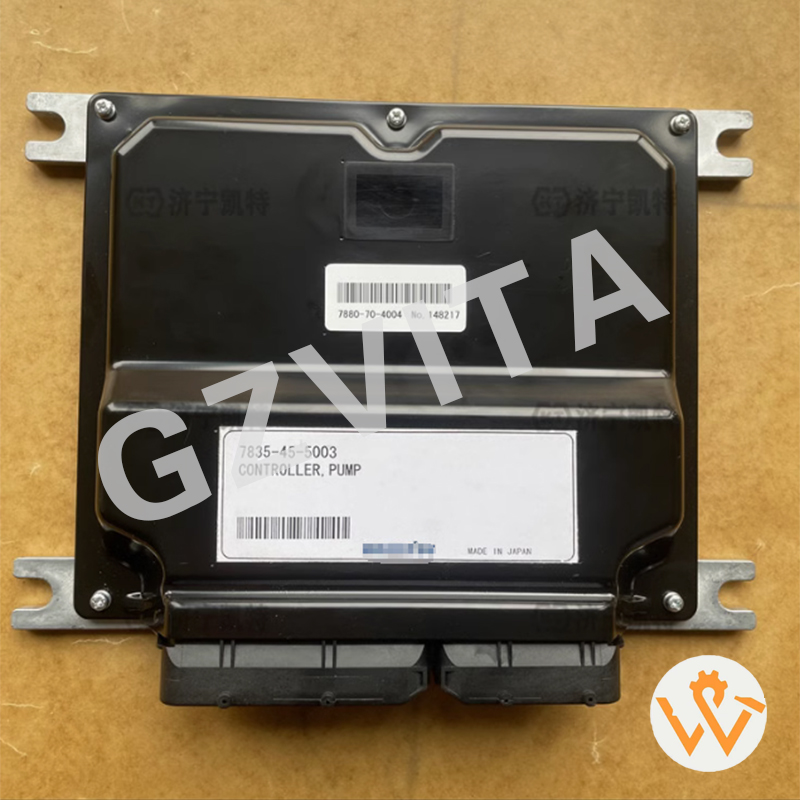
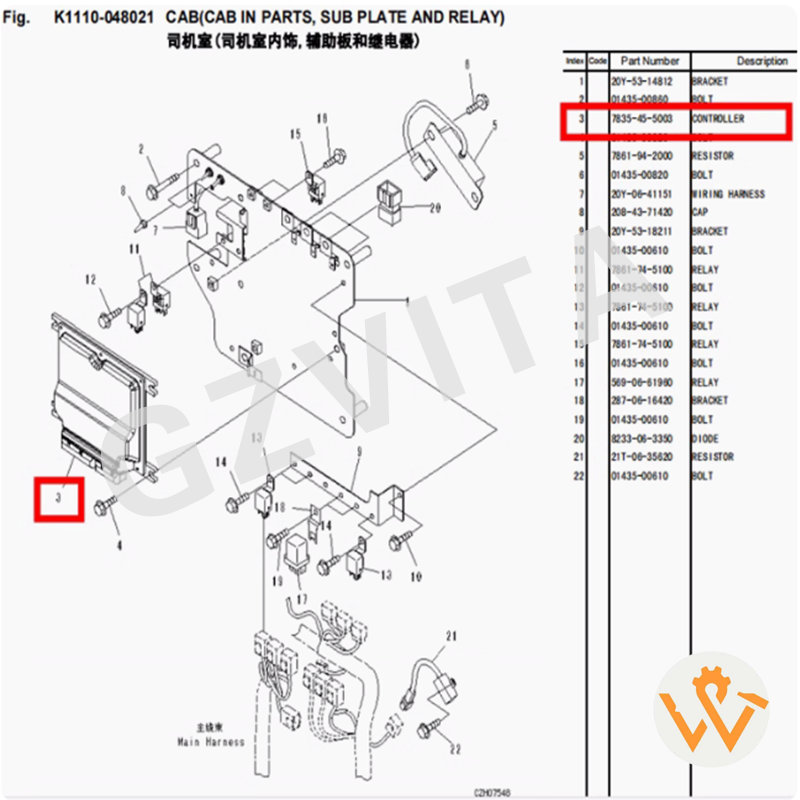
An excavator controller manages and coordinates key systems on the machine, including engine performance, hydraulic settings, joystick control calibration, and safety warning feedback.
Operating modes (like digging, lifting, or travel) can be changed using the mode selector button or switch on the console. Refer to the display monitor to verify your active mode settings.
Always turn the ignition key to the "On" position first to let the controller perform a self-check. Check for warning lights, error codes, system parameters, and fuel levels on the display screen before engine start.
Yes, many modern excavator controllers allow operators to adjust settings such as joystick sensitivity and hydraulic flow rates to match operator preferences and specific task requirements.
Auto Idle is a fuel-saving feature that automatically dials down engine RPMs when joysticks and pedals are in a neutral position for a set period, saving fuel and reducing noise emissions.
When operations are complete, park safely, return all control joysticks to neutral, allow the engine to idle down if required, turn off the ignition switch, remove the key, and verify the display screen shuts down completely.