 Vita Construction
1 / 2
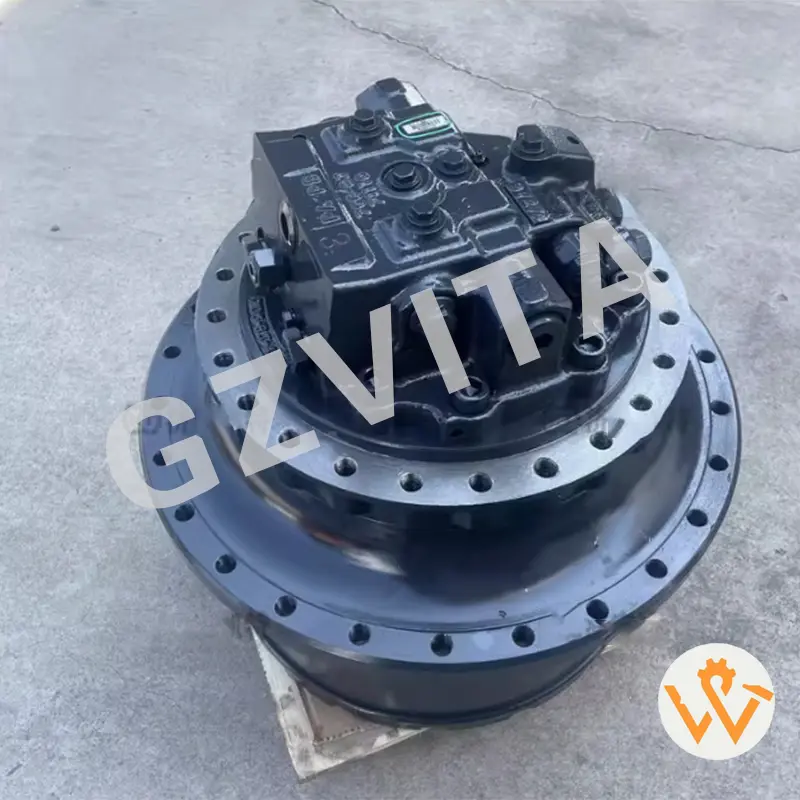
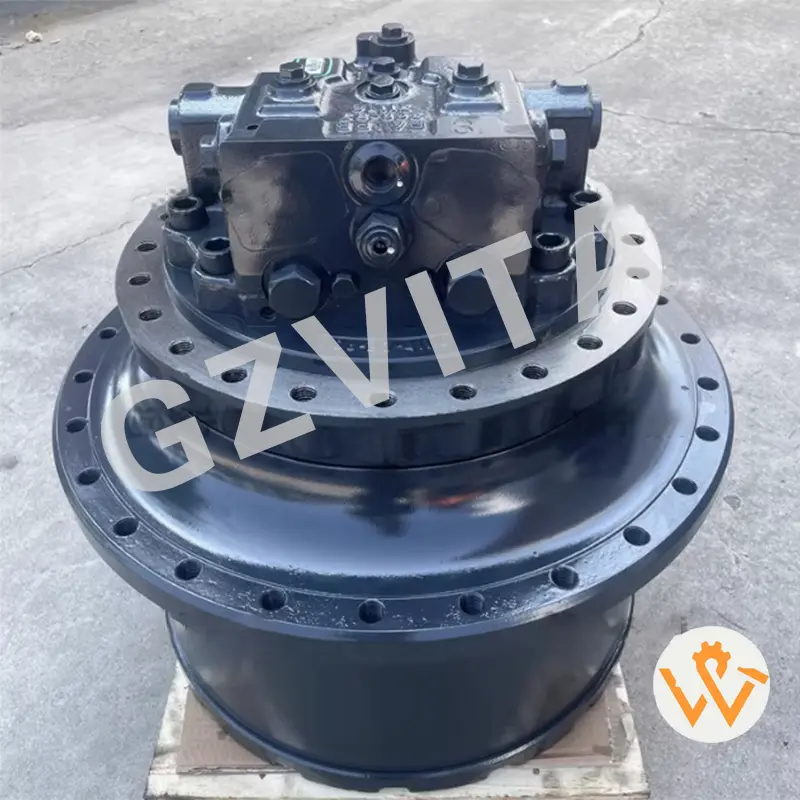
Inspecting the final drive assembly of an excavator is crucial for ensuring the machine’s performance and longevity. The final drive is responsible for transferring power from the hydraulic motor to the tracks or wheels, allowing the excavator to move. Here’s a step-by-step guide on how to inspect the final drive assembly:
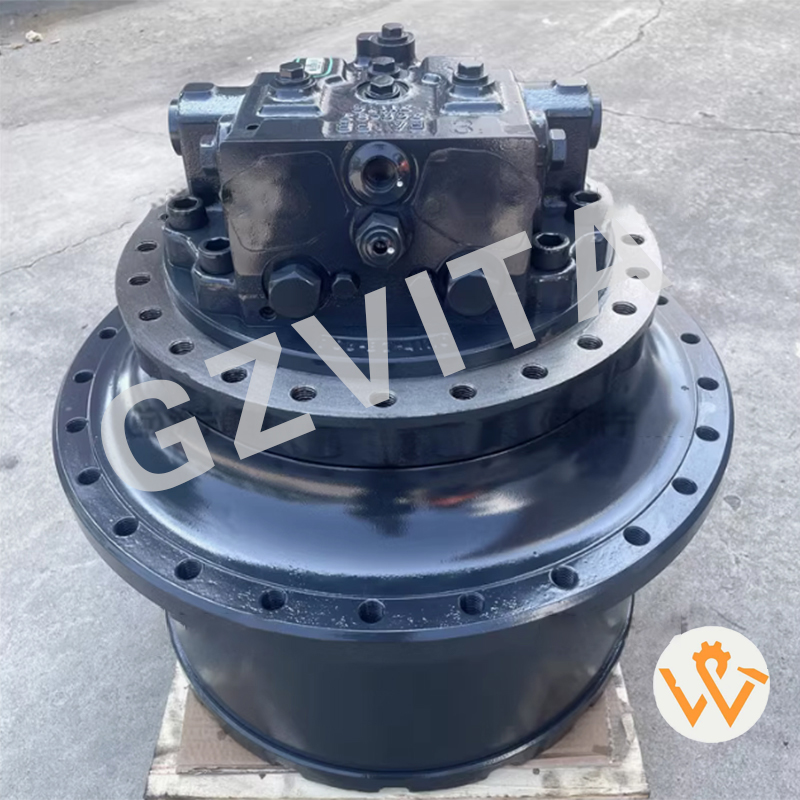
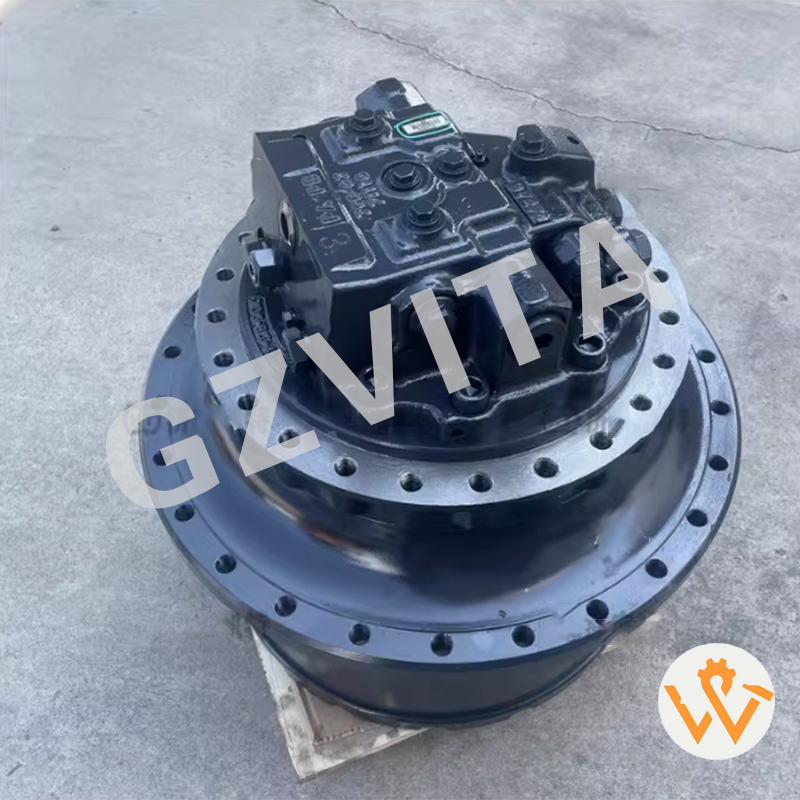
Inspecting the final drive is essential because it is responsible for transferring power from the hydraulic motor to the tracks or wheels. Regular inspections ensure the machine operates smoothly and prevent unexpected failures, which extends its service life.
Always park the excavator on a stable surface, turn off the engine, engage the parking brake, and remove the key. Doing this prevents accidental start-up or movement while the inspection is being performed.
During visual inspections, look closely for wet spots, drips, or puddles of hydraulic fluid around the seals, connections, hoses, and fittings. Any detected leaks should be repaired immediately.
Grinding, whining, or clunking noises usually indicate internal gearbox issues or mechanical wear. If you hear these sounds when operating the excavator at low speed, the final drive assembly may require internal inspection or service.
Check the oil level and quality using the dipstick or sight glass if available. Inspect the oil for any metal shavings or debris, which are clear indicators of internal gear wear or damage.
Track tension directly affects the performance of the final drive. Proper track tension ensures optimal power transfer and prevents undue strain or premature wear on the final drive assembly components.